
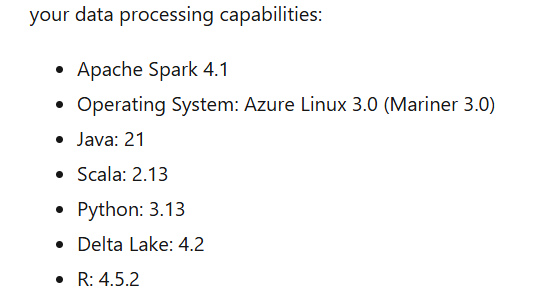
Microsoft Fabric has been upgrade to a 2.0 runtime for notebooks. This includes updates to the native engine which gives us better performance. More info can be gathered here: Runtime 2.0 in Fabric – Microsoft Fabric | Microsoft Learn
By default, an existing notebook in Fabric will have the old runtime associated with it. You will have to modify the environment. My existing notebook looks like this:
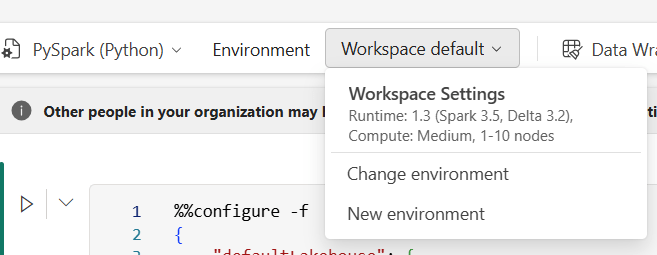
There are 2 ways to do this:
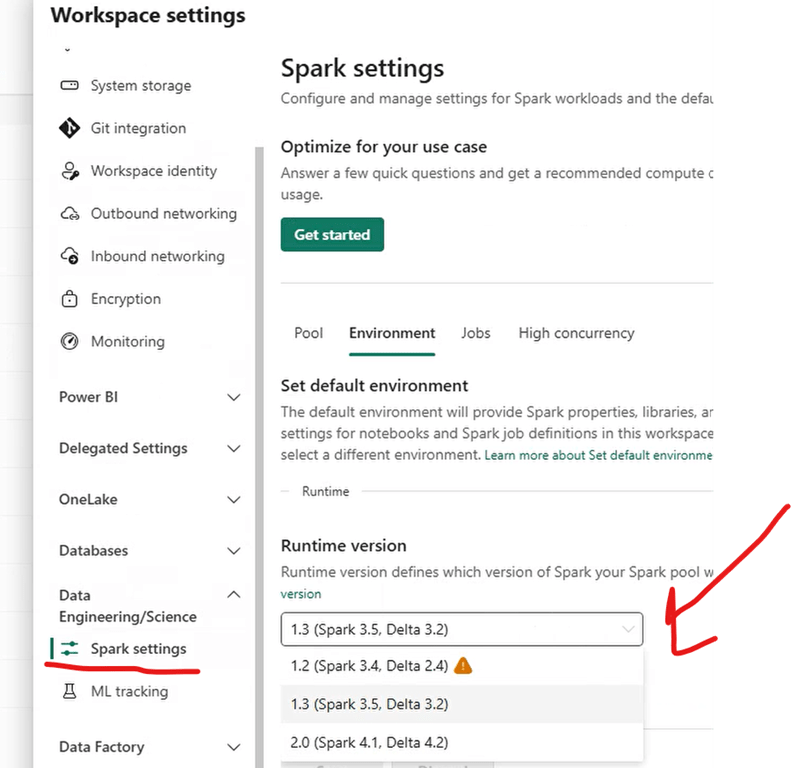
1. Update the workspace to use the new Runtime
2. Create a new environment for the notebook to use
Workspace change in the workspace settings:
And do not worry, it does not increase startup time, still using the starter pools:
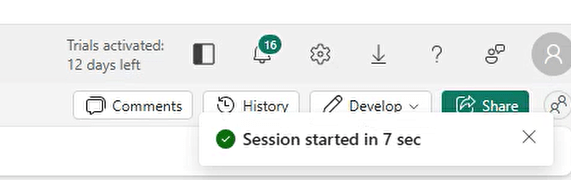
That was really an easy change to use the latest runtimes without having to create a new Cluster Pool and re-testing all the current notebooks on a new cluster, it just uses the existing starter pool from Microsoft.


1 Comment